Add and Remove Spaces
Add a Space
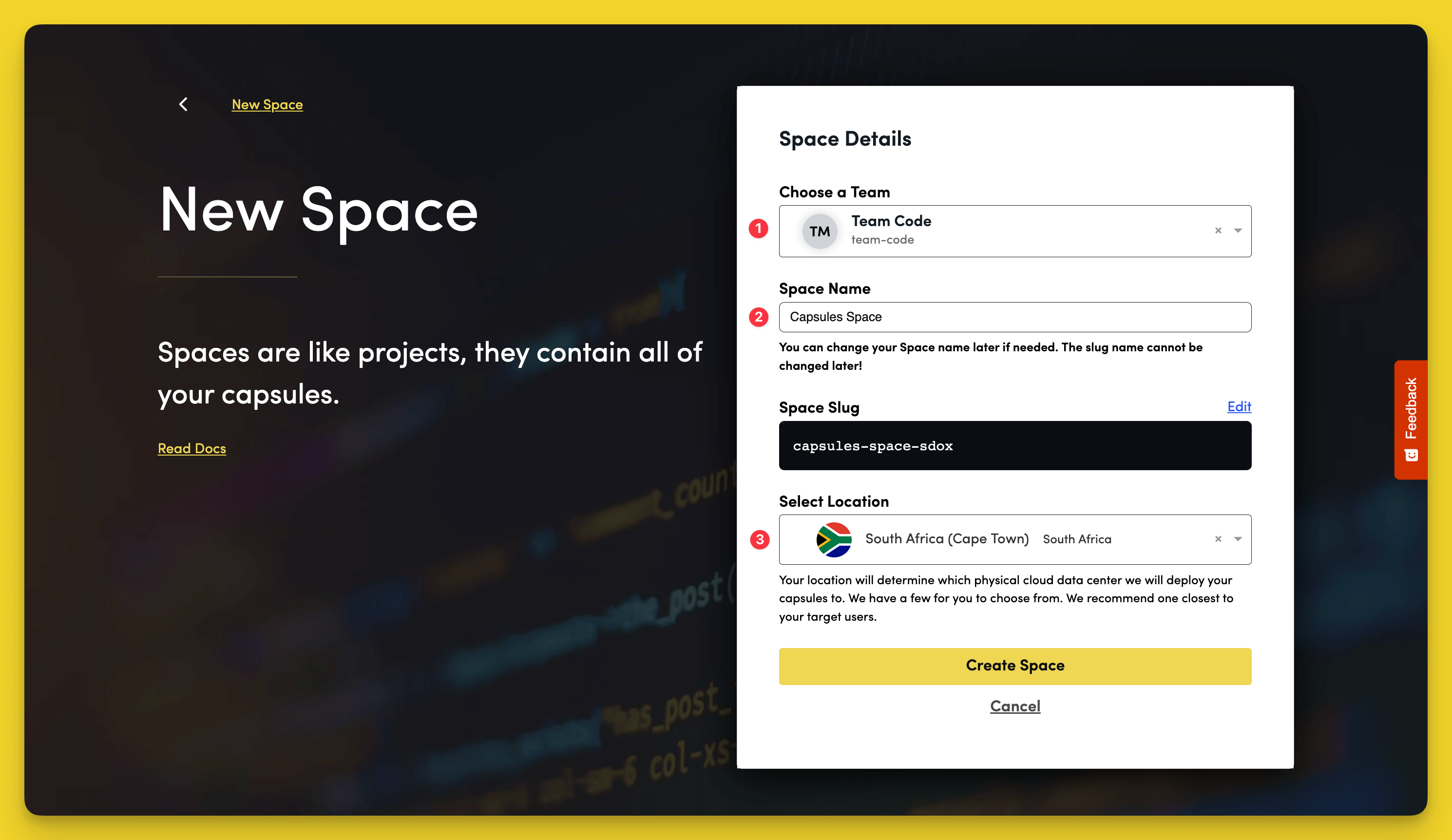
To create a new Space, click the yellow + icon on the bottom-left corner of the dashboard and select New Space.
- Choose the Team to add the Space to.
- Give the Space a name.
- Select your location.
Click Create Space to finish.
Remove a Space
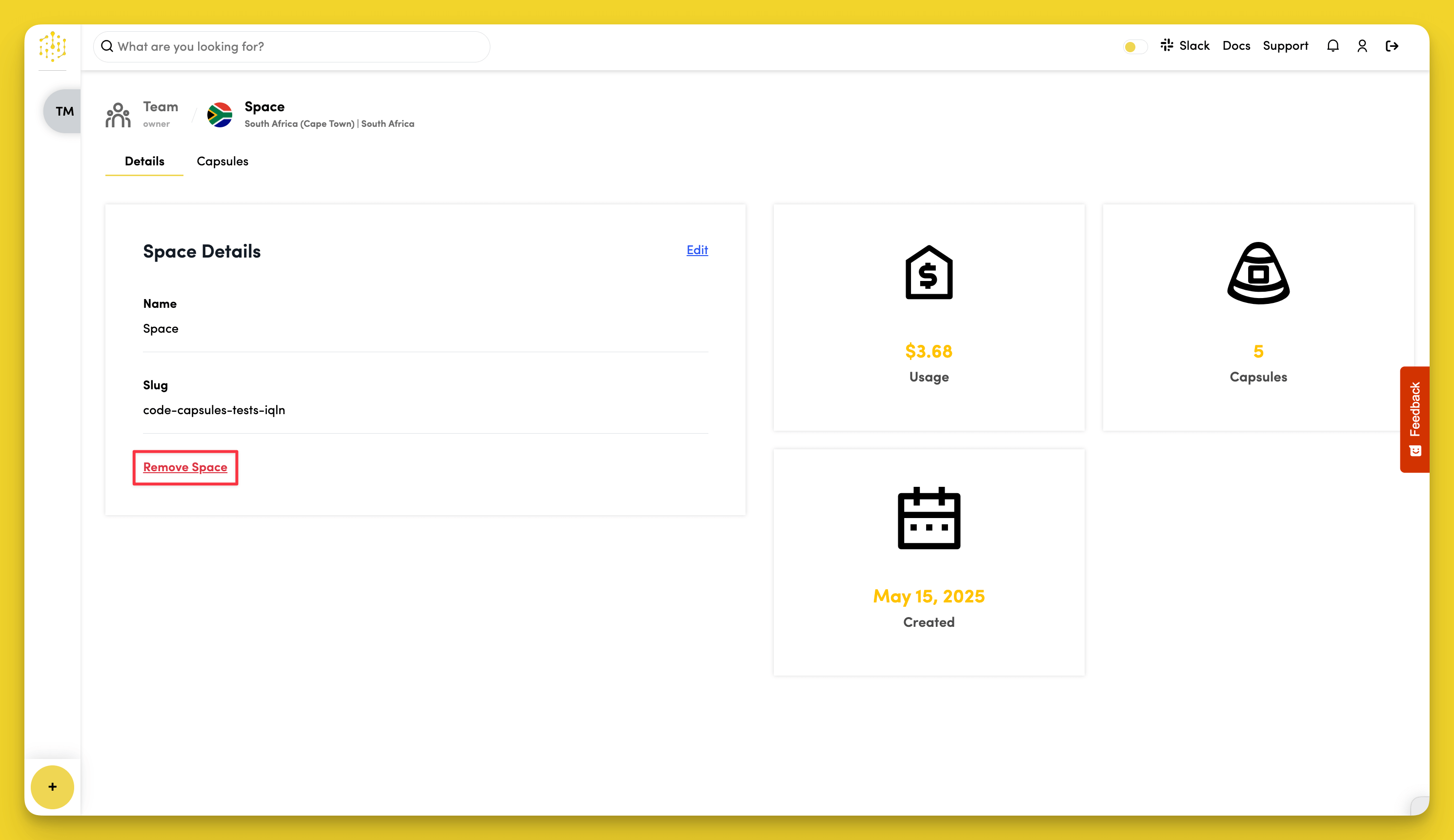
To remove a Space, go to the Details tab in the Space dashboard and select Remove Space.
warning
You'll need to remove all Capsules from the Space before it can be deleted.