Configure
Configure a Database Capsule in the Details tab of the Capsule dashboard.
View Connection Details
The Details tab provides connection details for a Database Capsule.
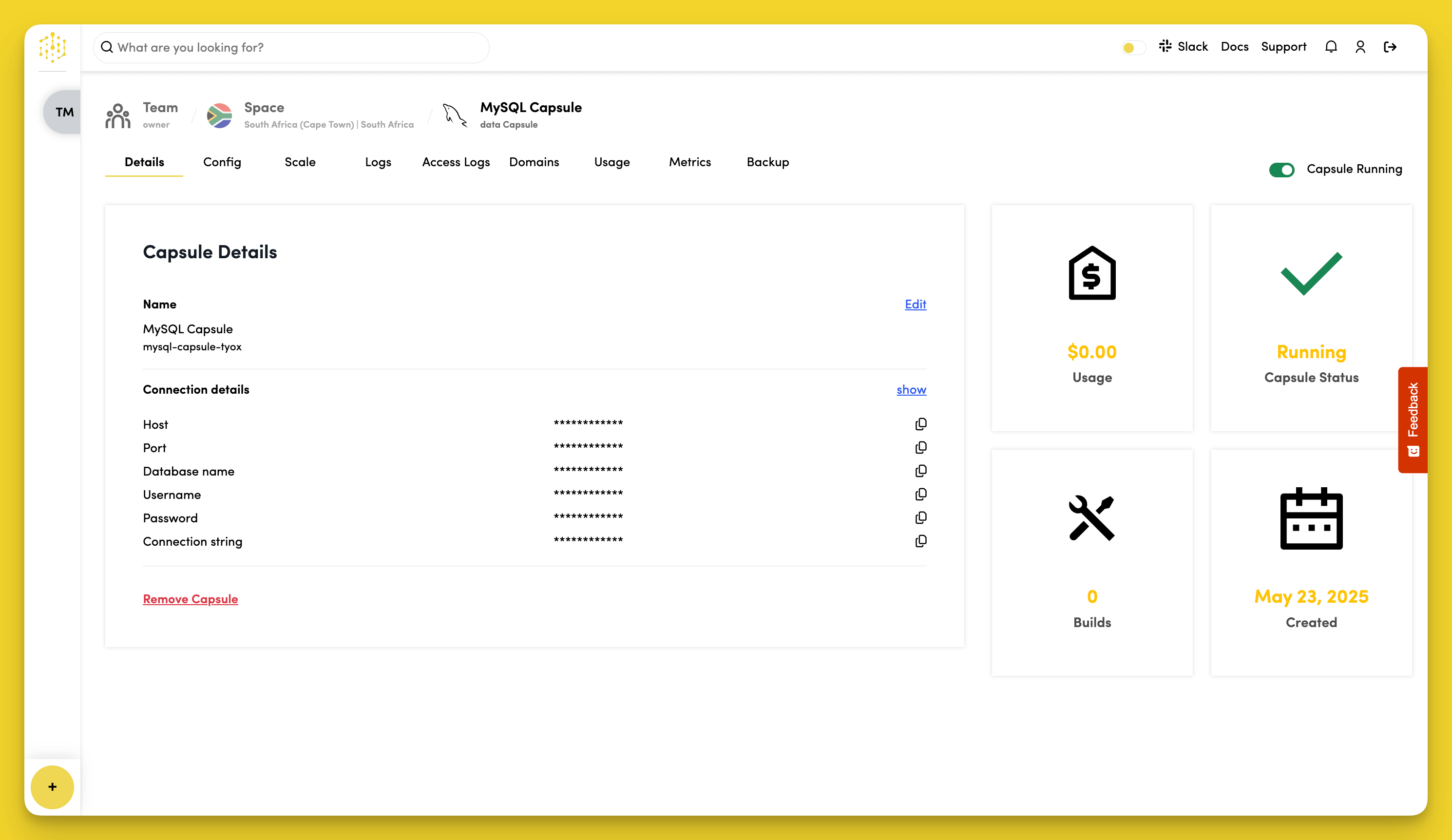
Click show in the Connection Details section to view database credentials:
- Host
- Port
- Database name
- Username
- Password
- Connection string
Edit Capsule Name
To change the name of the Capsule, click Edit next to the Capsule name in the Capsule Details section.
Enable Public Access
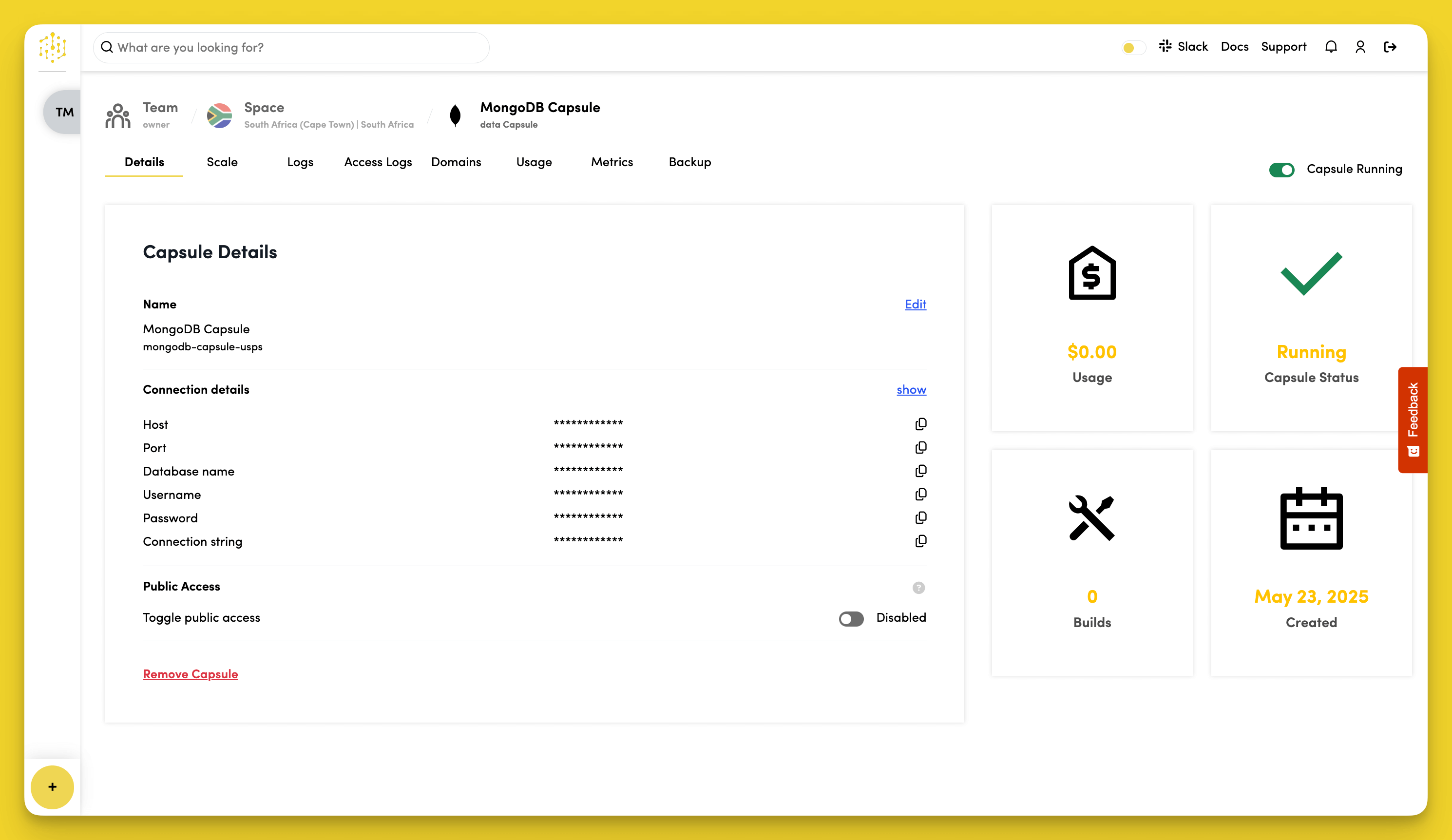
The Public Access feature is currently available for MongoDB Capsules.
Toggle on Public Access to allow access to the database from outside your Space.
When Public Access is toggled on, Code Capsules generates a public connection string that you can use to connect to the database.
Configure MySQL Settings
These settings are only available for MySQL Capsules.
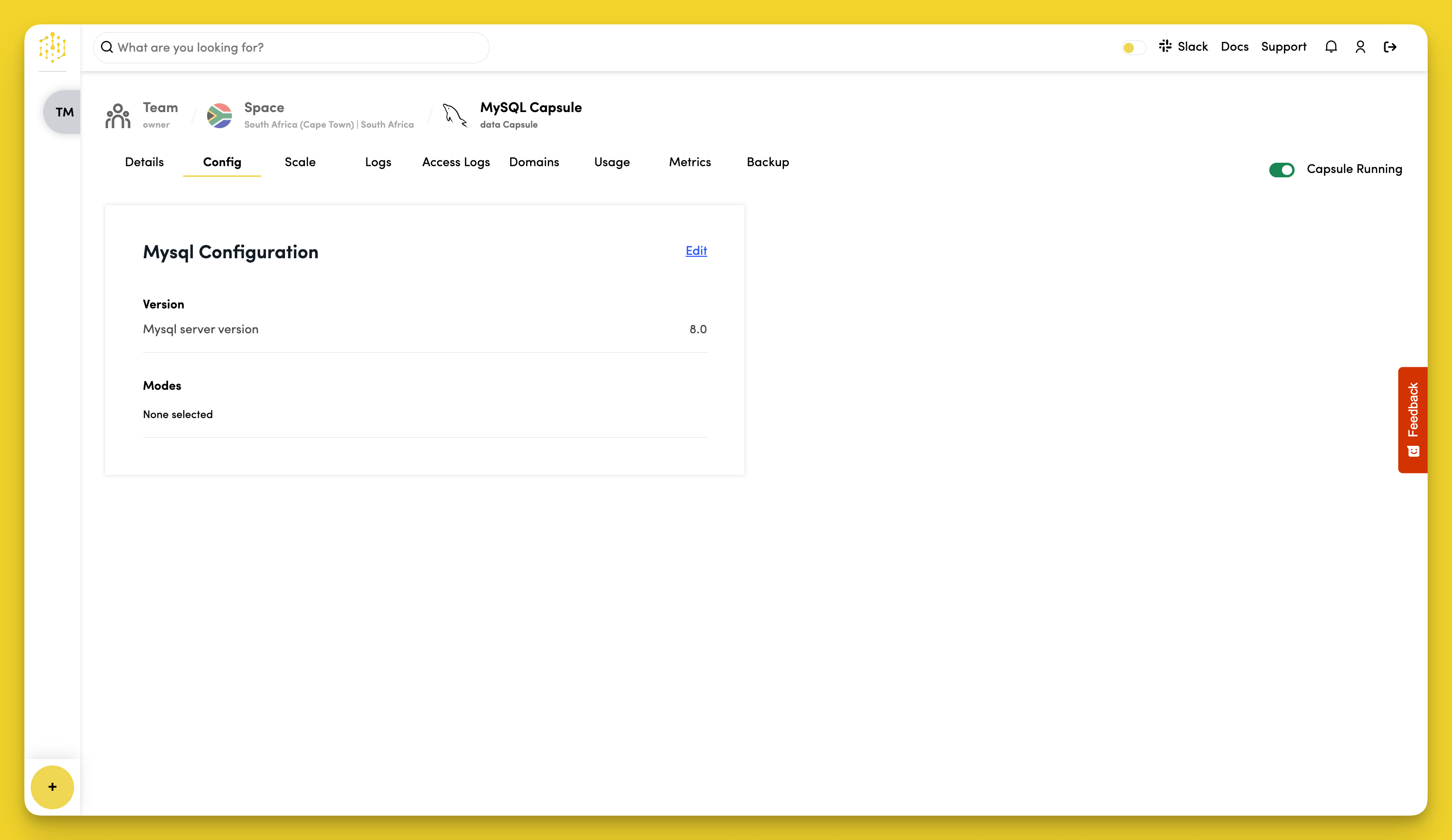
Additional MySQL configuration is available in the Config tab of MySQL Capsules.
Set SQL Modes
In the MySQL Configuration section, click Edit to select SQL modes for your MySQL server.
SQL modes determine how MySQL handles queries and data validation. Common options include:
STRICT_TRANS_TABLES- Enables strict mode for transactional tablesNO_ZERO_DATE- Prevents the use of invalid date valuesONLY_FULL_GROUP_BY- RequiresGROUP BYto list all selected columns